Not sure which template is right for you? Customize yours in 2 minutes — we match it to your income, expenses, and goals.
Most people do not need a more complicated money system. They need a home budget spreadsheet that makes the month easier to manage. When the file is too cluttered, too rigid, or too annoying to update, budgeting turns into another task you avoid until the damage is already done.
That is why the best home budget spreadsheet in 2026 is not the one with the most tabs. It is the one that shows income, expenses, savings, and monthly balance clearly enough that you can make better decisions fast. For some households, that starts with a free sheet. For others, a paid workbook is the better bargain because it removes setup drag immediately.
In this guide, you will see what to look for in a home budget spreadsheet, how free and paid options compare, why Excel and Google Sheets still beat many apps, and when it makes sense to move to a ready-made NestBudget template. If you want to inspect the workbook formats first, open the NestBudget preview before you decide.
What to look for in a home budget spreadsheet
A home budget spreadsheet should reduce friction. You want just enough structure to stay consistent, but not so much detail that every update feels like bookkeeping. The best spreadsheets make the essentials visible on one screen and keep the rest simple.
- Income rows that separate reliable income from irregular money.
- Fixed and flexible expense sections so bills do not get mixed with variable spending.
- Planned, actual, and variance columns that show drift before the month is over.
- Savings and sinking fund lines so future expenses stop being surprises.
- Editable categories that let the spreadsheet fit your real home, not a generic template demo.
- A clean summary that shows total income, total outflow, and what is left.
This matters more than dashboards or flashy charts. If the file cannot answer, “Are we on track this month?” quickly, it is not the best home budget spreadsheet for everyday use.
Free vs paid home budget spreadsheet options
Free and paid options both have a place. The right choice depends on whether you are testing the habit or trying to install a durable budgeting system right now.
| Option | Best for | Main tradeoff |
|---|---|---|
| Blank Excel or Google Sheet | People who want to learn the structure from scratch | You have to build categories, formulas, and monthly reuse yourself |
| Free downloadable spreadsheet | Households that want a faster start with simple needs | Many free files become messy once you want customization or annual planning |
| Paid ready-made workbook | Busy budgeters who want to start using the file immediately | There is an upfront cost, even if it usually saves time later |
The best free option is often a basic sheet you can keep small. The best paid option is usually the workbook that removes manual setup but still lets you edit categories and keep full control. If a file forces you to rebuild the logic every month, it is not actually cheap.
For a solo or shared household that wants structure without app lock-in, the NestBudget templates are designed for that middle ground. You keep the flexibility of spreadsheets, but skip the hours of formatting and formula cleanup.
Why Excel and Google Sheets still beat budgeting apps
Budgeting apps are convenient, but convenience is not the same thing as clarity. Apps often hide the logic behind synced accounts, generic spending buckets, and dashboards that tell you what happened without helping you plan what should happen next.
Excel and Google Sheets still win because they are visible. You can see every category, every assumption, and every formula. That makes tradeoffs easier. If groceries are high, you see it. If savings got pushed aside, you see it. If you want to rename a category or add a sinking fund for car repairs, you can do it in seconds.
- Spreadsheets stay customizable as your home finances change.
- You can use Excel offline or Google Sheets for easy sharing.
- There is no recurring app fee eating into the budget you are trying to improve.
- Reviewing the budget feels more transparent because the whole system is visible.
That transparency is why spreadsheets still convert better into real budgeting habits than many app workflows. If you need a more guided setup, read the monthly budget template Excel guide next.
When NestBudget templates are the better paid option
A paid template is worth it when your bottleneck is no longer motivation. It is spreadsheet maintenance. If you keep opening a blank file, tweaking categories, fixing totals, or copying tabs into a new month, the setup is already costing more than it needs to.
That is where NestBudget fits. The workbooks are built for Excel-first budgeting, not for a subscription funnel. You get a structured monthly layout, editable categories, and templates designed for individual and family use. If you are deciding between them, the template quiz can point you to the right option quickly.
Start with the Individual Budget Template if the home budget is mainly for one person. Use the Family Budget Template if more than one adult needs to see and manage the same numbers.
FAQ: home budget spreadsheet
What should a home budget spreadsheet include?
It should include income, fixed and flexible expense categories, planned-versus-actual tracking, savings lines, and a monthly summary. Those basics matter more than complex dashboards.
Is Excel or Google Sheets better for a home budget spreadsheet?
Either is fine. Excel is excellent for offline use and heavier workbook logic, while Google Sheets is strong for collaboration. The best tool is the one you will review every week.
When is a paid home budget spreadsheet worth it?
It is worth paying when the DIY sheet keeps slowing you down. If maintenance is replacing actual budgeting, a ready-made workbook is usually the more efficient choice.
The takeaway
The best home budget spreadsheet for 2026 is the one you will keep using. A free sheet can be enough to test the habit. A paid workbook becomes the smarter option once you want a faster start, cleaner structure, and less spreadsheet maintenance.
If you want the paid route without losing spreadsheet flexibility, start with the NestBudget template preview and choose the workbook that matches your home.
Free Customization
Ready to take control of your budget?
Answer a few quick questions and get a personalized Excel template matched to your household, income type, and spending habits — no generic spreadsheet required.
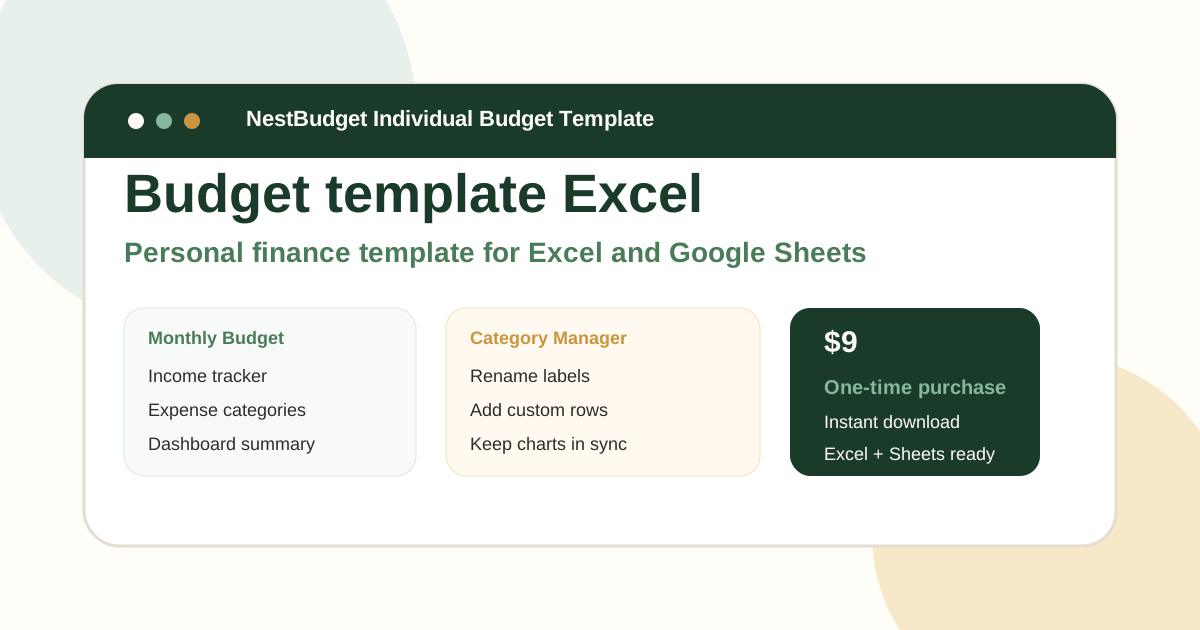
One-time purchase · Instant download · Works in Excel & Google Sheets
Ready For The Faster Option?
Preview the Excel budget template, then buy the workbook that fits.
If you want a home budget spreadsheet that already includes the layout, formulas, and editable categories, preview the NestBudget templates and choose the workbook that matches your household.
Need to see the workbook first? Open the template preview.
Secure checkout. Digital product; see our refund policy.